Intro:
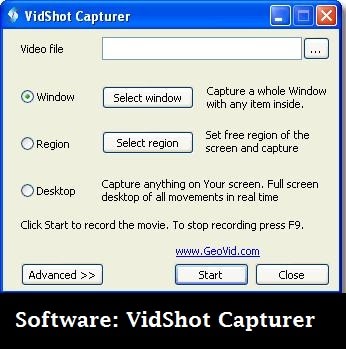
If you want to capture your desktop or Windows screen without trouble, you can do so with VidShot Capturer. This simple tool is all that a screen capturer should be – simple, effective, flexible and efficient.
Why to use it?
You can capture the entire screen, select a region, or capture in continuum for a video file.
It has simple interface and you won’t face any problem using it. Simply select a region to capture and click on the start button.
The output can be saved as an image or a video file (merging two or many captures progressively).
VidShot Capturer is all you need to make presentations, videos, or tutorials that require a screen capture.